
The view_item event in Google Analytics 4 (GA4) is designed to capture when a user views a product detail page.
As one of the e-commerce events in GA4, view_item can be enhanced with additional parameters like items and value to capture detailed product information. This allows GA4 to track not just that users viewed products, but which products they looked at.
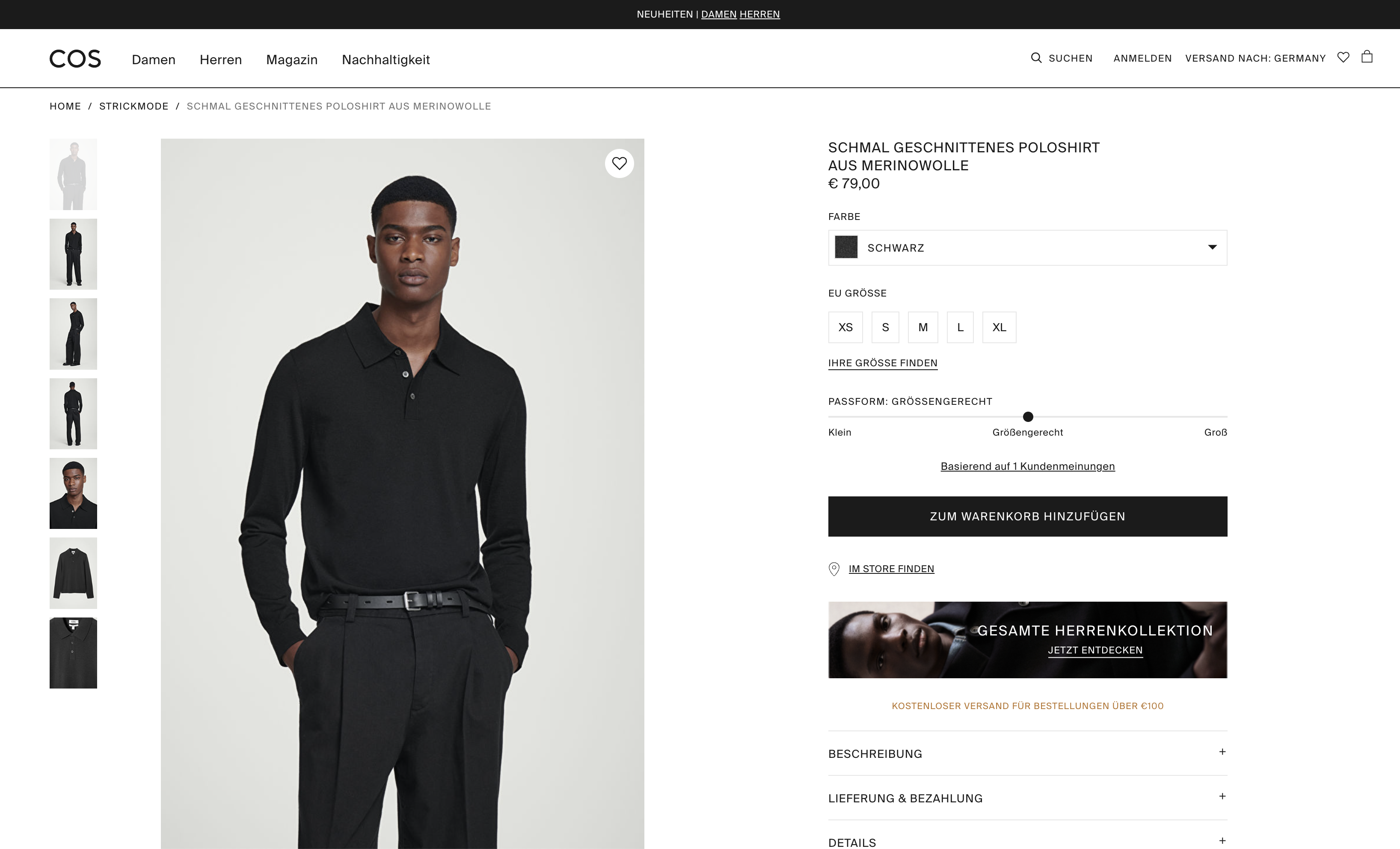
For e-commerce websites, it’s common practice to track the view_item event in addition to the page_view event. While page_view captures the page load, view_item captures the viewing of the specific product on that page.
If your website’s design allows users to view products without changing the URL, you can also use the view_item event for other interactions where users see products, such as in a slider or gallery.
Some online stores display multiple products with all their details on a single page. In such cases, there’s no problem with tracking multiple view_item events.
Product Variants
When a user selects a specific product variant on a product page, like a different color or size, you can fire the view_item event again to capture this selection.
There’s a standard item_variant parameter at the product level that can change to reflect this. You can also come up with your own, more specific parameters, like item_color or item_size.
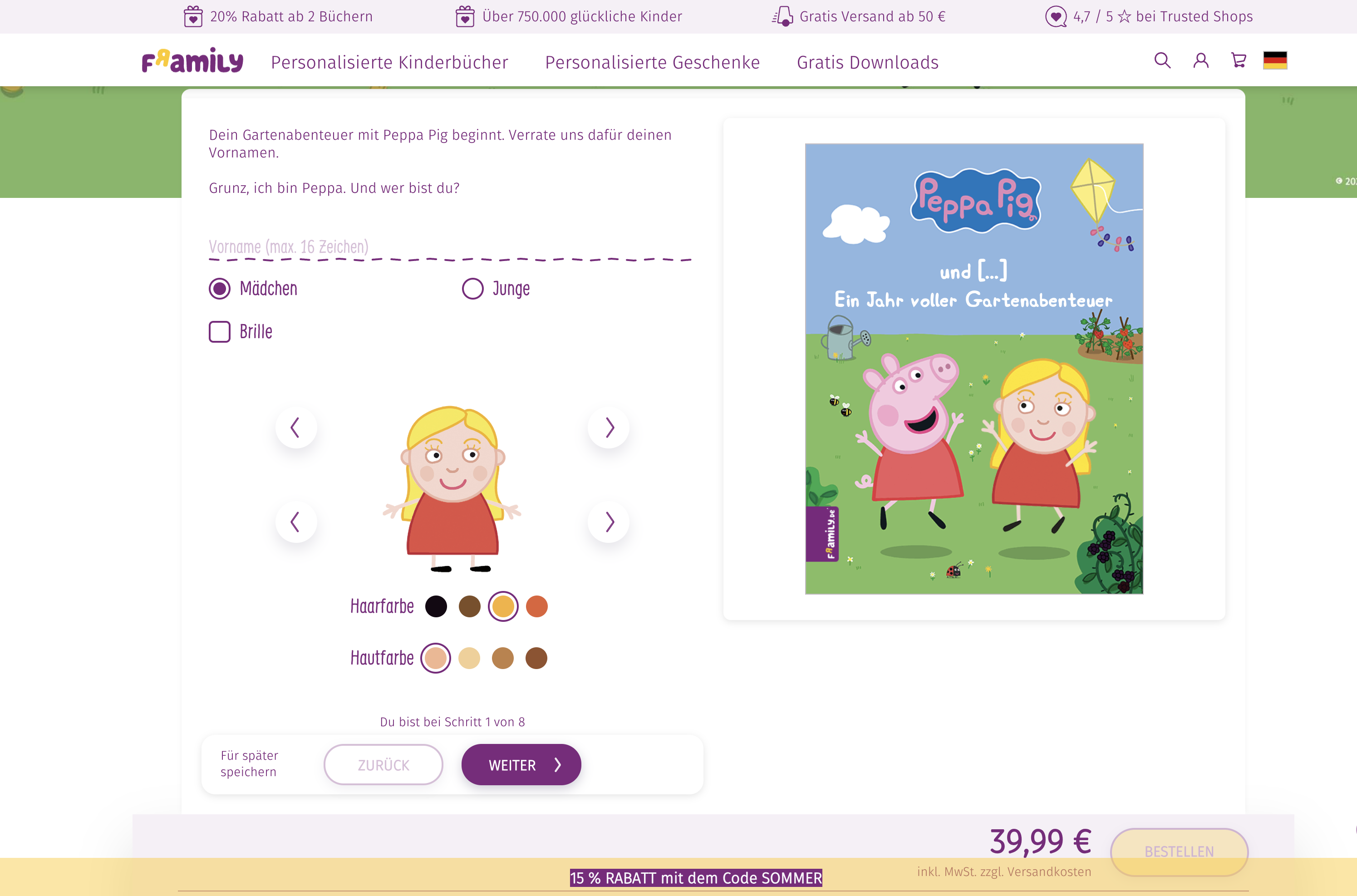
Products in Lists
When users view products in lists, such as in a category or search results page, or even in a product teaser, that’s more appropriate for the view_item_list event.
The view_item event is meant for viewing a single, specific product page, while view_item_list is for viewing multiple product links/tiles.
→ The view_item_list Event in Google Analytics 4 (GA4)
Implementation
window.dataLayer = window.dataLayer || [];
window.dataLayer.push({
    event: "view_item",
    ecommerce: {
        items: [{
            item_id: "SKU12345",
            item_name: "V-Neck T-Shirt",
            item_category: "T-Shirts",
            item_variant: "Black",
            item_brand: "MyFashion",
            price: 19.90,
            quantity: 1
        }]
    }
});