
The view_cart event in Google Analytics 4 (GA4) is used to track when a user views their shopping cart.
This only makes sense if you have a “classic” cart, i.e., a page or at least an overlay/flyout where the products in the cart are displayed.
While add_to_cart and remove_from_cart measure individual actions, view_cart captures a status moment: the user is actively looking at what’s in their cart—often right before heading to checkout.
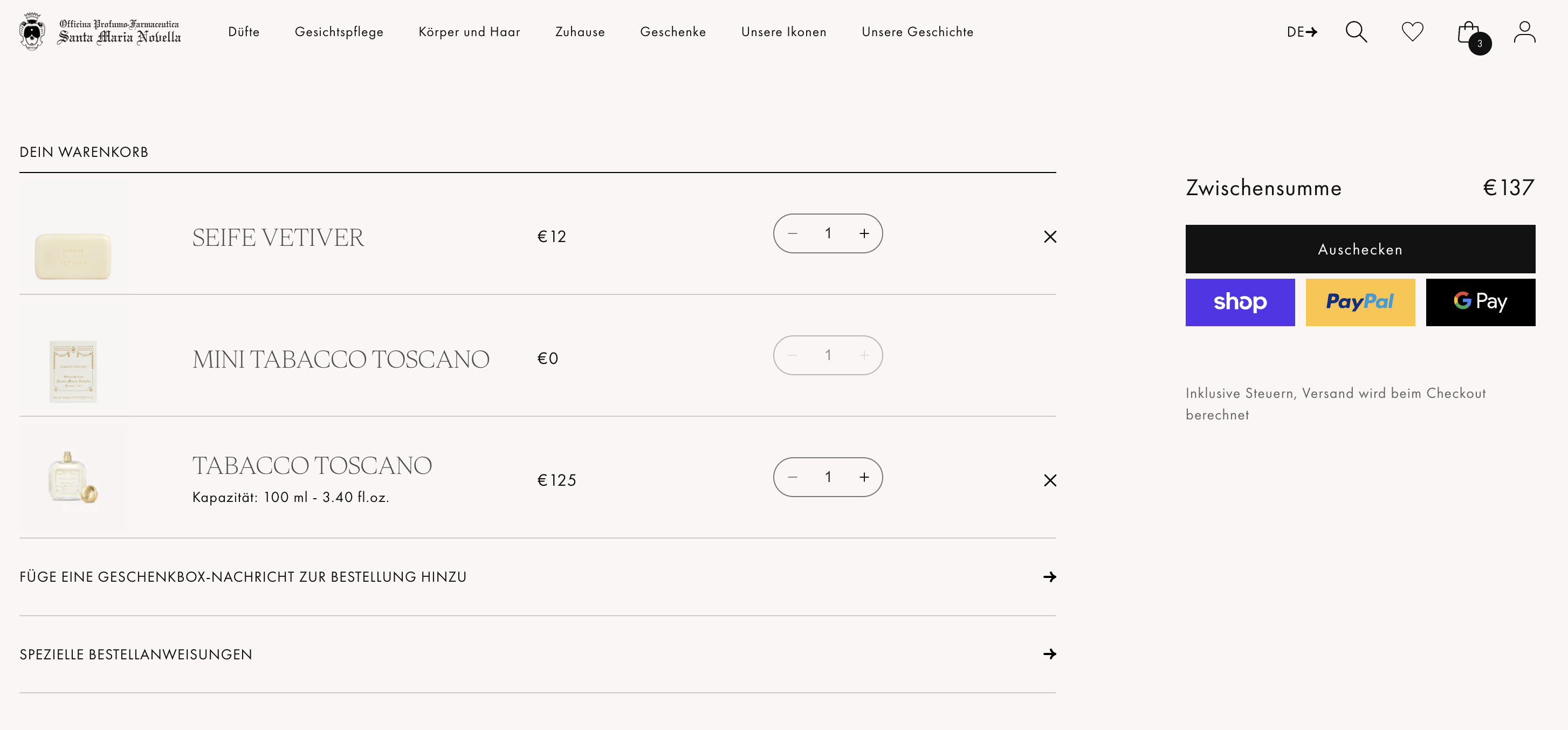
The view_cart event is one of the e-commerce events in GA4, meaning you can pass the current cart contents as items and the cart value as value.
Implementation
The best place to trigger view_cart is when the cart is actually visible:
- when the cart page loads, or
- when a mini-cart/side-cart opens (if that’s what constitutes the “cart view” for you).
The important thing is not to track every cart update as view_cart. That would dilute the event and make it difficult to interpret in funnels.
Required fields & value logic
itemsis required. Each item should have at leastitem_idoritem_nameset.- If you use
value(highly recommended), also setcurrency.valueshould be the sum ofprice * quantityfor all cart items—excluding shipping and taxes.
dataLayer
window.dataLayer = window.dataLayer || [];
window.dataLayer.push({
    event: "view_cart",
    ecommerce: {
        currency: "EUR",
        value: 94.70,
        items: [{
            item_id: "SKU12345",
            item_name: "Superfood Powder",
            item_category: "Superfoods",
            item_variant: "500g",
            item_brand: "MySupplements",
            price: 29.90,
            quantity: 2
        },
        {
            item_id: "SKU67890",
            item_name: "Superfood Capsules",
            item_category: "Superfoods",
            item_variant: "90 Count",
            item_brand: "MySupplements",
            price: 34.90,
            quantity: 1
        }]
    }
});