
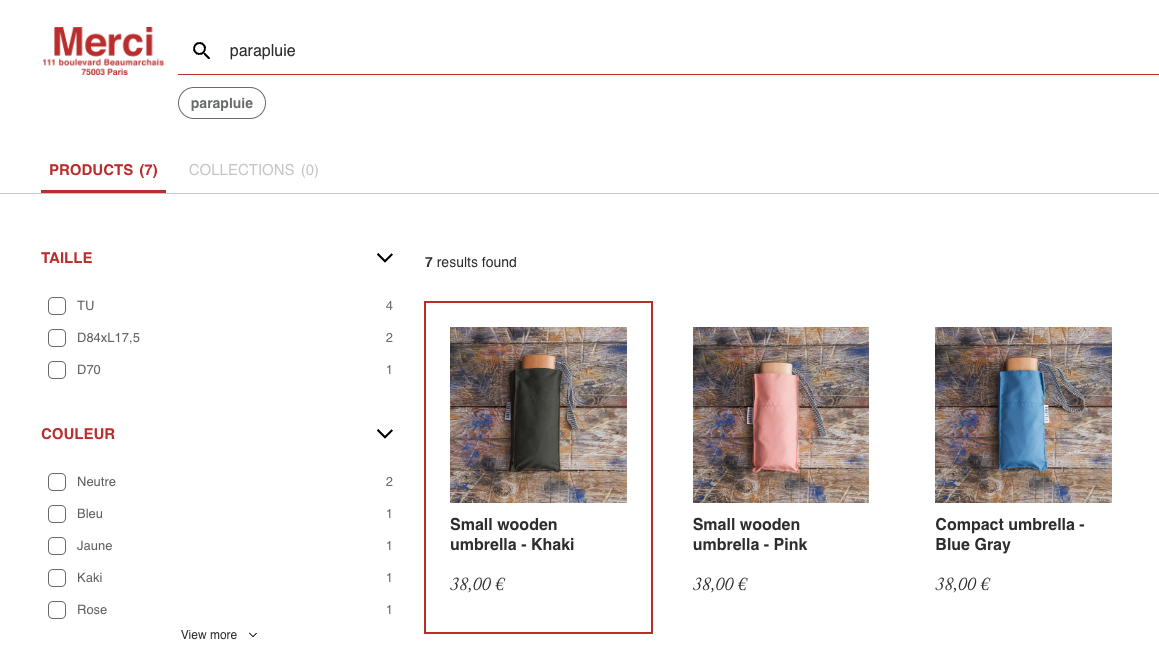
The search event in Google Analytics 4 (GA4) is used to track when a user uses your website’s or app’s internal search.
Internal search queries are often a “window into the user’s mind”: they show very directly what someone is looking for right now—often even more precisely than page views. That’s why search is extremely helpful for content and product decisions (“What topics are missing?”, “Which products aren’t being found?”).
Implementation
The most important thing about the search event is the search_term parameter. This is the search query the user entered.
Automatic tracking (Enhanced Measurement)
Many people confuse two things here:
- GA4 can automatically track internal search via Enhanced Measurement—in practice, this event is often called
view_search_results(and GA4 readssearch_termfrom URL parameters likeq,s,search,query,keyword). - If your search isn’t cleanly mapped to URL parameters (e.g., POST-based search, pure AJAX/SPA search, autocomplete without an actual search results page), a manually sent event like
searchis usually the more reliable option.
The key point: if you have Enhanced Measurement active and are also manually sending search, make sure you’re not creating duplicate search events.
dataLayer
window.dataLayer = window.dataLayer || [];
window.dataLayer.push({
    event: "search",
    search_term: "server side gtm"
});Where exactly to trigger it?
This depends on how your search works:
- Search results page: Trigger when the results load (e.g., when
?q=...is in the URL). - Live search / autocomplete: Trigger when results are actually displayed (not on every keystroke).
The important thing is not to measure “noise.” An event on every keystroke makes the data unusable.
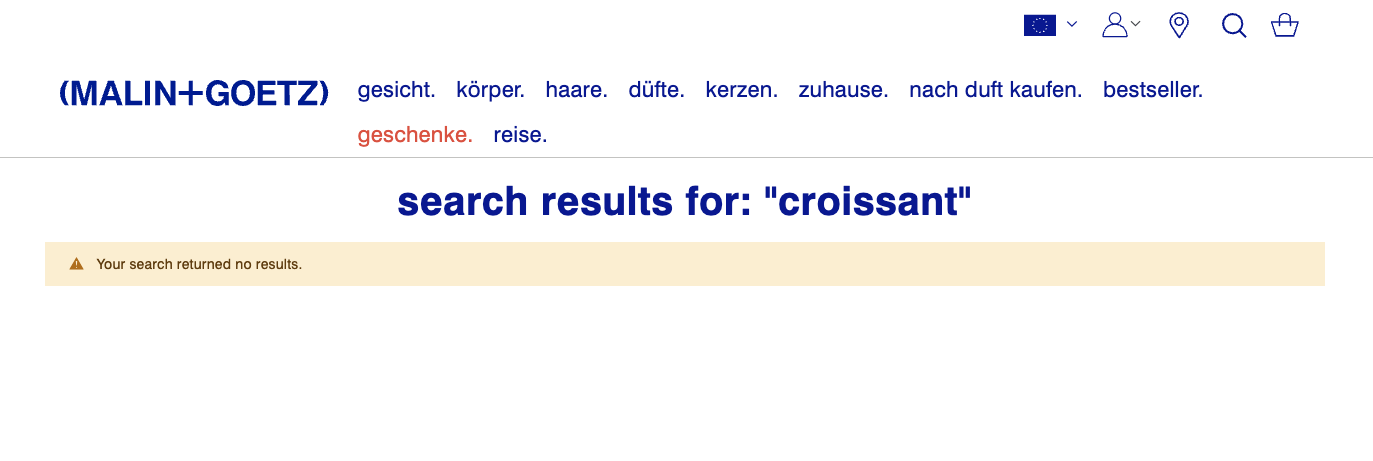
Tracking “no results”
If you want to analyze which search queries return no results, you can send that as an additional parameter, for example:
results_count: number of resultssearch_has_results:true/false
This allows your content or product team to directly prioritize which search queries urgently need better coverage.
Common pitfalls
- PII in search terms: Users sometimes type email addresses, phone numbers, or names into search fields. Consider whether to sanitize
search_termserver-side (e.g., detection/masking) before it goes to GA4. - Duplicate events: If a search page re-renders on filter changes or even every newly typed character, make sure
searchisn’t being triggered unnecessarily often for the same term. - Reporting without custom dimension: If you want to conveniently use
search_term(or custom parameters likeresults_count) in reports, you need to set up these parameters as (event) custom dimensions in GA4. Otherwise, they often only show up in Explorations/DebugView and are hard to find.