
The generate_lead event in Google Analytics 4 (GA4) is used to track when a user generates a lead—for example, by submitting a form, requesting a demo, or asking for a quote.
Especially for B2B websites, generate_lead is often the central conversion event: it measures not just “interest” but an active contact request that can directly lead to revenue.
Implementation
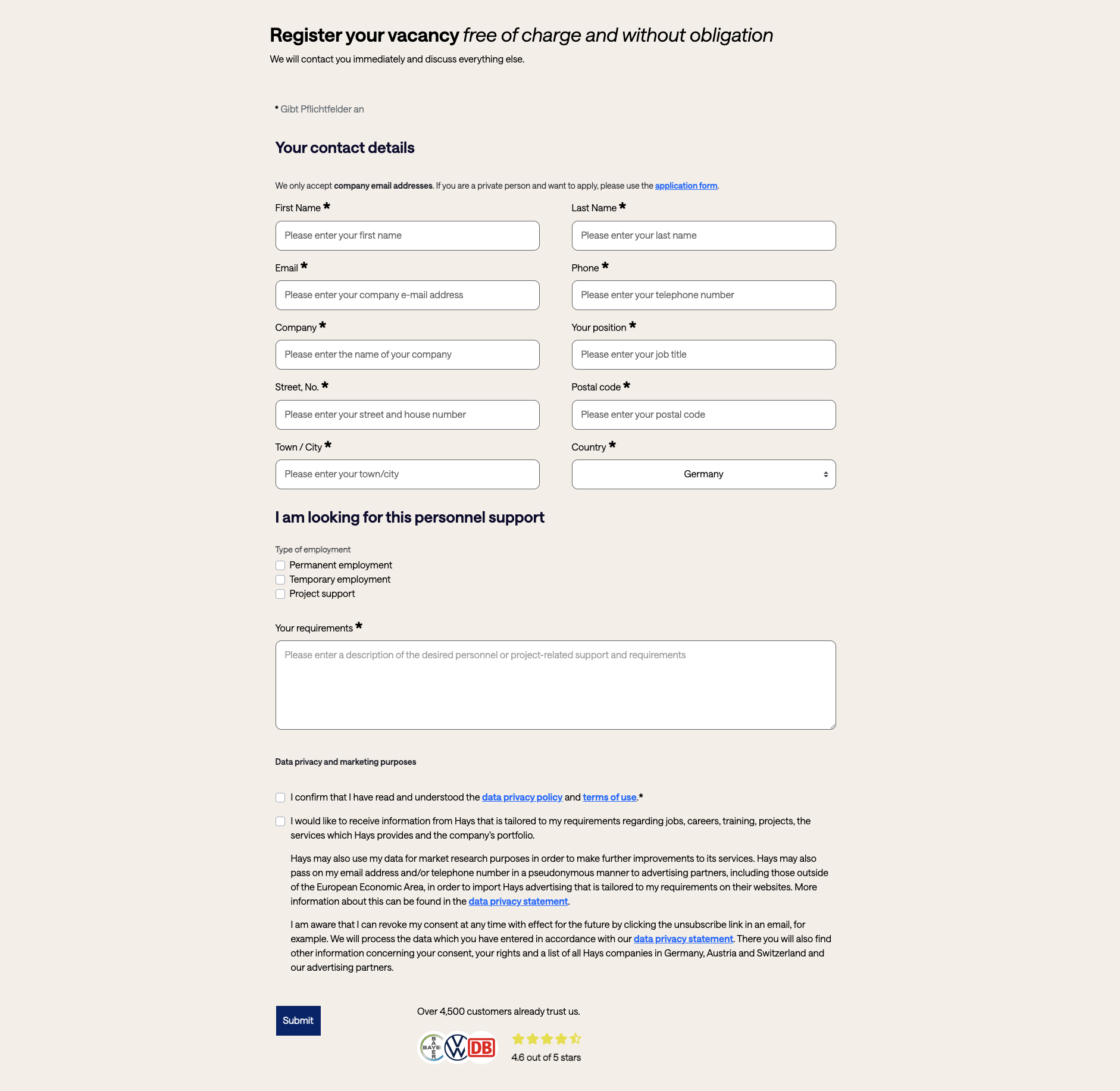
The best place to trigger generate_lead is upon successful form submission:
- after a successful server response (e.g.,
200 OK), or - on a “Thank you” page that’s only accessible after successful submission.
Important: Don’t just track the button click. Many form submissions still fail after the click due to validation, CAPTCHAs, or server errors.
Differentiating lead types
If you have multiple lead forms, it makes sense to pass context as parameters, for example:
lead_type:demo_request,contact,quote_requestform_id: internal ID or descriptive name
This allows you to later analyze which lead types and which forms actually drive performance.
Passing lead value
If you have a meaningful monetary value for leads (e.g., from CRM data), you can set value and currency. This makes GA4 much better at weighting leads by quality.
Important: If you set value, you should also set currency—otherwise the amount won’t be clearly interpretable later.
Lead source (optional)
GA4 also supports the lead_source parameter. This can be helpful if you generate leads from different sources within your website (e.g., “Chat,” “Contact Form,” “Partner Referral”) or if you already have clean source data on the server side.
window.dataLayer = window.dataLayer || [];
window.dataLayer.push({
    event: "generate_lead",
    currency: "EUR",
    value: 50,
    lead_source: "Website",
    lead_type: "demo_request",
    form_id: "demo-form"
});Common pitfalls
- Duplicate sends: Some “Thank you” pages can be reloaded. If you send an event each time, you’ll count leads multiple times. Ideally, deduplicate using server-side IDs or only send on the first successful submission.
- Spam leads: If you’re using server-side tagging, you can send leads only after validation/CAPTCHA and filter out spam before it reaches GA4 or your ad platform’s conversion tracking.