
The add_payment_info event in Google Analytics 4 (GA4) is used to track when a user has entered their payment information during checkout.
This is a common drop-off point: at the latest, users without serious purchase intent will abandon when asked for payment details. Users who enter their payment information but don’t complete the purchase are prime candidates for remarketing—they’ve shown clear intent and can often be successfully re-engaged. Alternatively, it might signal that something is going wrong in the final checkout steps, either from a communication or technical standpoint. For example, the availability of certain payment methods (PayPal, Klarna, Buy Now Pay Later, Apple Pay, etc.) can significantly impact how well your checkout converts.
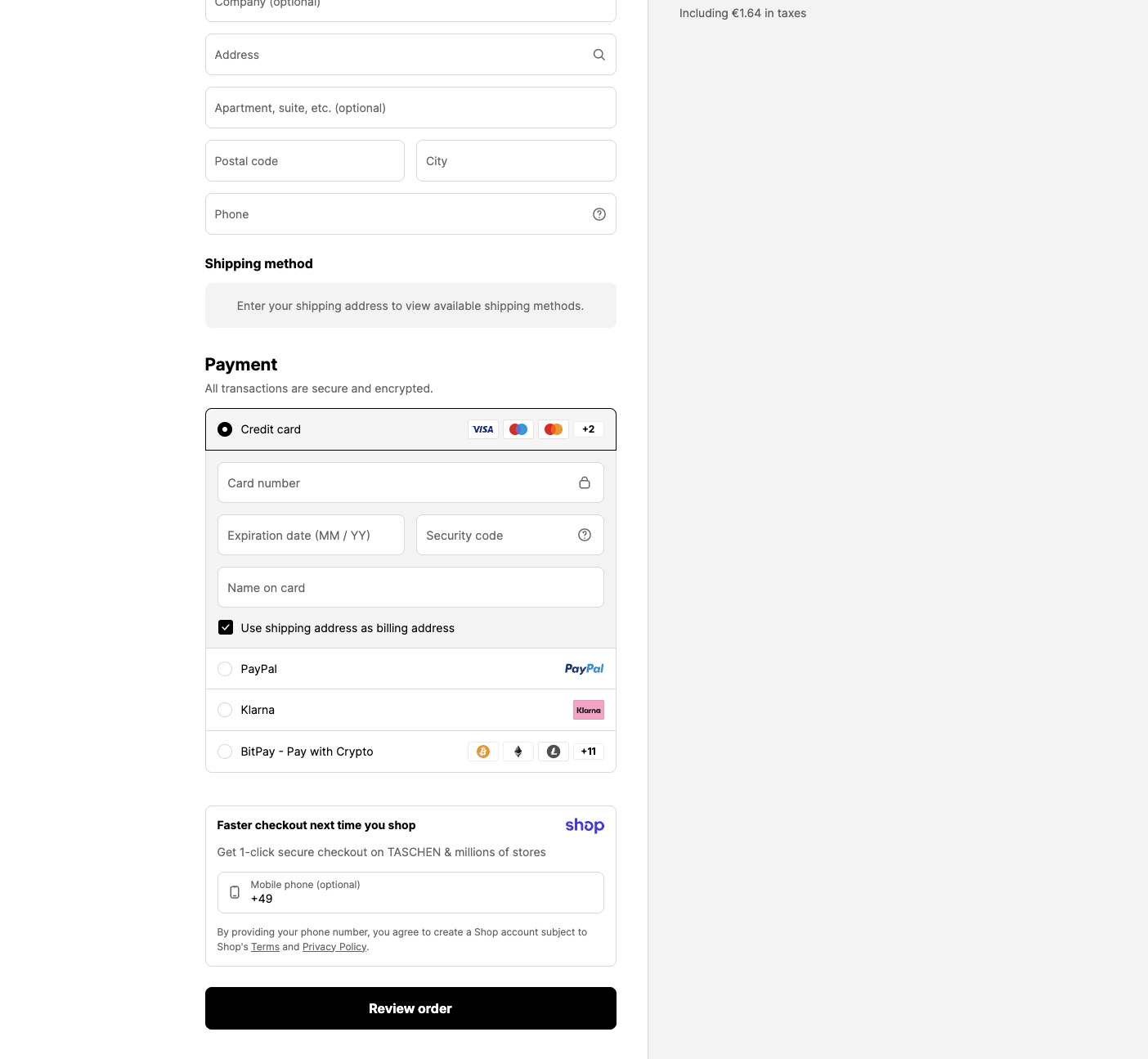
The add_payment_info event is one of the e-commerce events in GA4, meaning it can be enriched with items, value, and the payment_type parameter.
Implementation
The best place to trigger add_payment_info is when the user finally confirms their payment method (e.g., by clicking “Continue”) or when the payment method has been successfully saved in the checkout.
It’s sometimes also used to track whether a user has selected a payment method, e.g., for returning users who already have a saved payment method from a previous session.
Important: add_payment_info is not the purchase itself. It’s a step before purchase.
Required fields & value logic
itemsis required. Each item should have at leastitem_idoritem_nameset.- If you use
value, also setcurrency.valueshould be the sum ofprice * quantityfor all items—excluding shipping and taxes.
Coupons (optional)
If a coupon is active in the checkout, you can include the code as coupon. This is particularly helpful if certain payment methods are only available with/without a coupon, or if you want to analyze performance by promotional campaigns.
dataLayer
window.dataLayer = window.dataLayer || [];
window.dataLayer.push({
    event: "add_payment_info",
    ecommerce: {
        currency: "EUR",
        value: 123.45,
        payment_type: "paypal",
        items: [{
            item_id: "SKU12345",
            item_name: "Superfood Powder",
            item_category: "Superfoods",
            item_variant: "500g",
            item_brand: "MySupplements",
            price: 29.90,
            quantity: 2
        },
        {
            item_id: "SKU67890",
            item_name: "Superfood Capsules",
            item_category: "Superfoods",
            item_variant: "90 Count",
            item_brand: "MySupplements",
            price: 34.90,
            quantity: 1
        }]
    }
});Common pitfalls
- Payment redirects: With external payment providers (e.g., PayPal), users are often redirected to a different domain. Make sure the event is reliably sent before the redirect, or send it server-side.
- Too many payment method variants: Be careful not to make
payment_typetoo granular (e.g., “Visa Credit Card”, “Mastercard Credit Card”) if you ultimately just want to compare “card” vs. “paypal”.