
The add_to_wishlist event in Google Analytics 4 (GA4) is used to track when a user adds a product to their wishlist or favorites.
This is particularly valuable when users don’t buy immediately but return later (e.g., for fashion, furniture, high-ticket items, or when browsing a large selection). A wishlist action is often a strong “I want this, but not right now” signal.
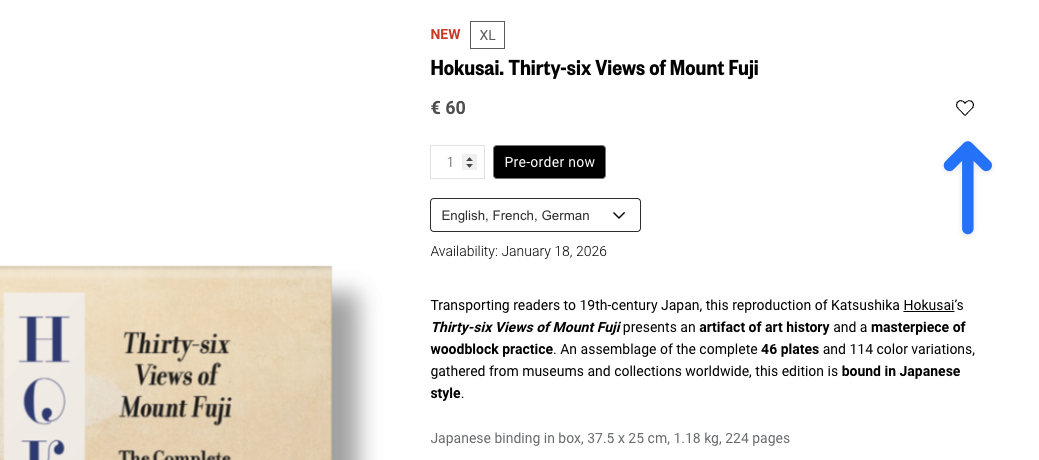
The add_to_wishlist event is one of the e-commerce events in GA4, meaning it can be enriched with items. You can optionally include value and currency if you want to analyze wishlist values.
Implementation
The best place to trigger add_to_wishlist is the moment when the item has actually been saved to the wishlist (after a successful API response or state update).
Required fields & value logic
itemsis required. Each item should have at leastitem_idoritem_nameset.- If you use
value, also setcurrency.valueshould be the sum ofprice * quantityfor the added wishlist items (excluding shipping/taxes—just like other e-commerce events).
dataLayer
javascript
window.dataLayer = window.dataLayer || [];
window.dataLayer.push({
    event: "add_to_wishlist",
    ecommerce: {
        currency: "EUR",
        value: 19.90,
        items: [{
            item_id: "SKU12345",
            item_name: "V-Neck T-Shirt",
            item_category: "T-Shirts",
            item_variant: "Black",
            item_brand: "MyFashion",
            price: 19.90,
            quantity: 1
        }]
    }
});Common pitfalls
- Login required: Many wishlists require a login. If you redirect users to log in when they click the button, only track
add_to_wishlistafter the item has been successfully saved. - Toggle buttons: If the same button handles both “add” and “remove,” make sure you cleanly distinguish between
add_to_wishlistand a potentialremove_from_wishlistevent.