
The add_shipping_info event in Google Analytics 4 (GA4) is used to track when a user submits shipping information or selects a shipping method during checkout.
For many stores, this is a critical moment: at this point, shipping costs become visible, delivery times are revealed—and this is often where drop-offs happen. Tracking this step allows you to analyze your checkout funnel much more effectively and identify whether certain shipping options are turning customers away.
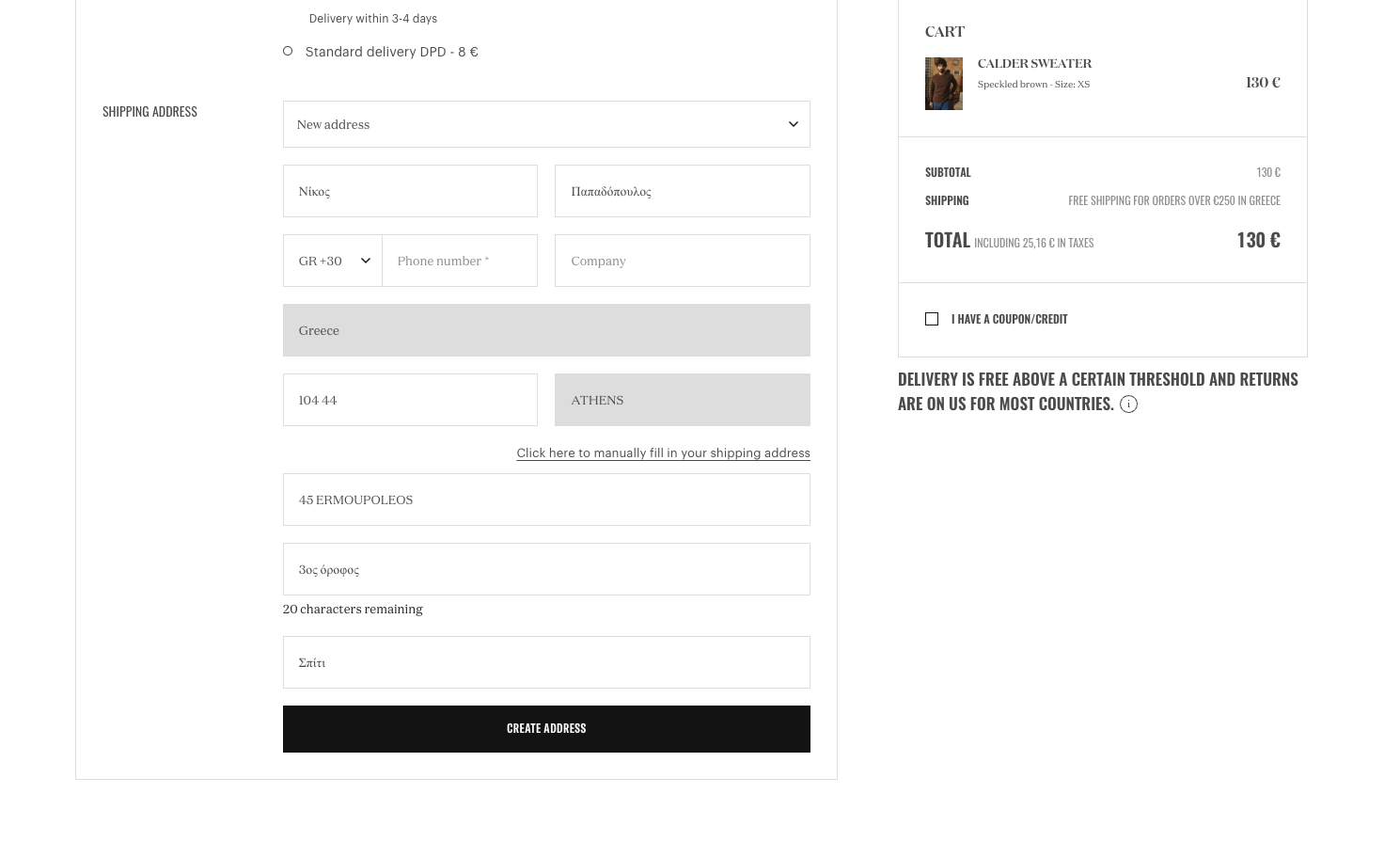
The add_shipping_info event is one of the e-commerce events in GA4, meaning it can be enriched with items, value, and the shipping_tier parameter (shipping option).
Implementation
The best place to trigger add_shipping_info is when the user finally confirms their shipping option—e.g., by clicking “Continue” or after the shipping method has been successfully saved in the checkout state.
Required fields & value logic
itemsis required. Each item should have at leastitem_idoritem_nameset.- If you use
value(highly recommended), also setcurrency.valueshould be the sum ofprice * quantityfor all items—excluding shipping and taxes. (The shipping costs themselves are what you capture qualitatively viashipping_tier.)
Coupons (optional)
If a coupon is already active in the checkout, you can include the code as coupon. This is extremely helpful for segmenting checkout performance by promotional campaigns later on.
dataLayer
window.dataLayer = window.dataLayer || [];
window.dataLayer.push({
    event: "add_shipping_info",
    ecommerce: {
        currency: "EUR",
        value: 123.45,
        shipping_tier: "standard",
        items: [{
            item_id: "SKU12345",
            item_name: "Superfood Powder",
            item_category: "Superfoods",
            item_variant: "500g",
            item_brand: "MySupplements",
            price: 29.90,
            quantity: 2
        },
        {
            item_id: "SKU67890",
            item_name: "Superfood Capsules",
            item_category: "Superfoods",
            item_variant: "90 Count",
            item_brand: "MySupplements",
            price: 34.90,
            quantity: 1
        }]
    }
});Common pitfalls
- Triggering too early: Depending on how your shipping selection is designed, users might frequently switch between shipping options. This can make analysis confusing. In such cases, it may be better to only send the event after the user confirms their selected shipping method.
- Inconsistent
shipping_tiervalues: Use stable, comparable values (e.g.,standard,express,pickup) instead of free-form text with varying wording.