
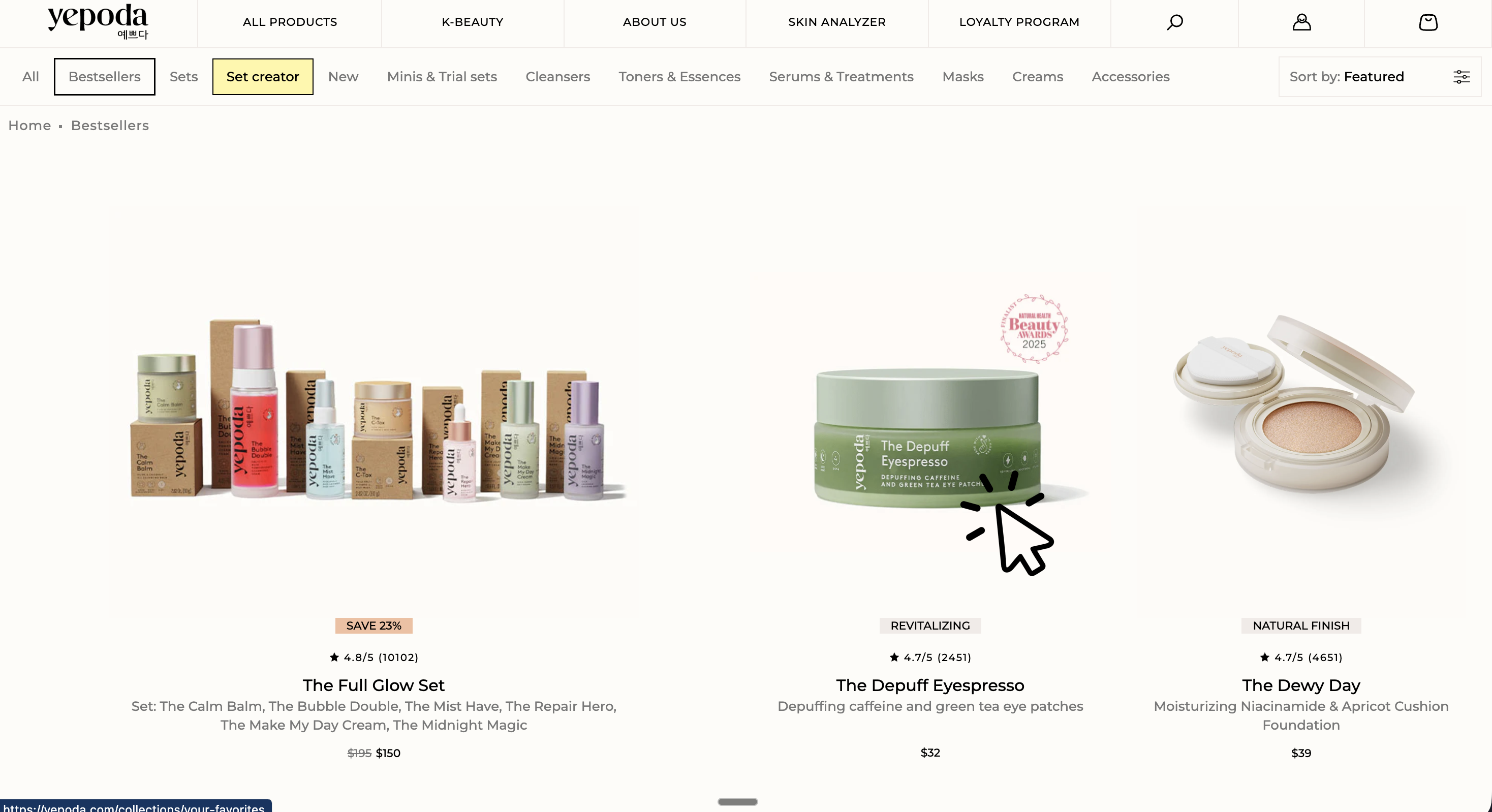
The select_item event in Google Analytics 4 (GA4) is used to track when a user selects a product from a list—typically by clicking on a product in a category, search results, or a teaser.
This makes select_item the companion to the view_item_list event:
view_item_list measures which product lists users see—select_item measures which products from those lists are actually clicked.
→ The view_item_list Event in Google Analytics 4 (GA4)
Implementation
The best place to trigger select_item is the click on the product tile or product link that leads to the product detail page.
Required fields
For select_item:
itemsis required.- The
itemsarray should contain exactly one product forselect_item(the one that was clicked). - Each item should have at least
item_idoritem_nameset (ideally both).
If you implement select_item properly, you can later effectively analyze:
- Which lists actually work (e.g., category vs. “Similar Products”)
- Which positions get clicked (top vs. further down)
dataLayer
javascript
window.dataLayer = window.dataLayer || [];
window.dataLayer.push({
    event: "select_item",
    item_list_id: "search",
    item_list_name: "Search",
    ecommerce: {
        items: [{
            item_id: "SKU12345",
            item_name: "V-Neck T-Shirt",
            item_category: "T-Shirts",
            item_variant: "Black",
            item_brand: "MyFashion",
            item_list_id: "search",
            item_list_name: "Search",
            index: 3,
            price: 19.90,
            quantity: 1
        }]
    }
});Common pitfalls
- Not including the list: Without
item_list_id/item_list_name, you won’t know later where the click came from (category, search, teaser, etc.). - Duplicate click events: In SPAs, a click can trigger both link navigation and a separate handler. Make sure
select_itemis only sent once per click. - Event lost on page navigation: If the click immediately loads a new page, the event might not be sent in time. In such cases, server-side tracking or a setup with more reliable sending mechanisms (e.g., “beacon”) is often more stable.