
The select_promotion event in Google Analytics 4 (GA4) is used to track when a user clicks on an internal promotion—for example, a banner, coupon teaser, or promotional tile.
Combined with view_promotion, you can measure a true promo CTR (viewed vs. clicked) and later analyze whether certain promotions contribute to add_to_cart, begin_checkout, or purchase.
Implementation
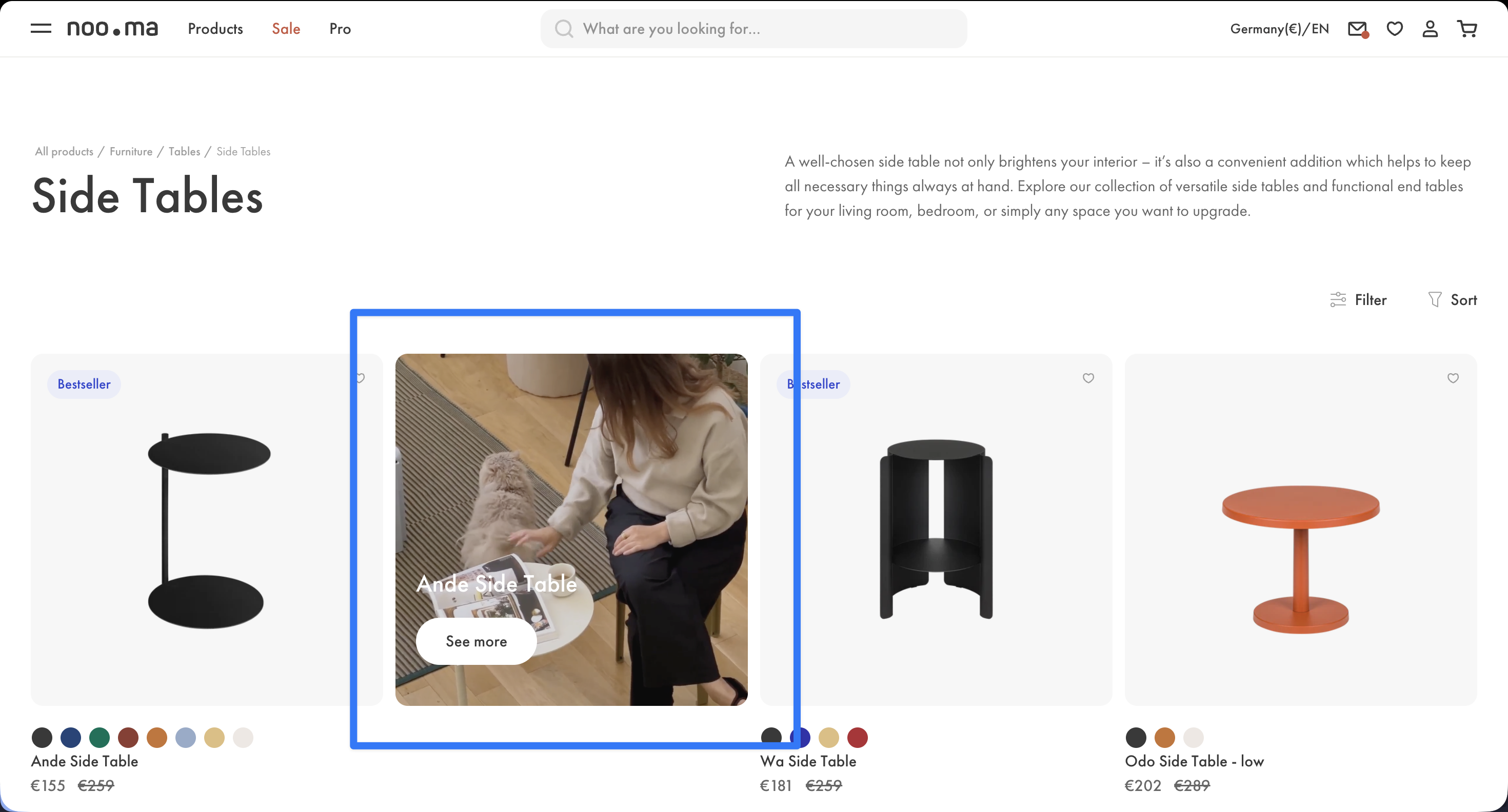
The best place to trigger select_promotion is the click on the promo element that takes the user to the next page.
A “promo element” can be anything—it depends entirely on what type of ads, teasers, or banners you use on your website.
Which parameters are important?
To properly analyze teaser performance later, you should consistently send at least promotion_id and promotion_name—and ideally also creative_name and creative_slot.
Otherwise, analyses like “Which promo was clicked most often?” will quickly be full of “(not set)” or fragmented across many variants.
dataLayer
window.dataLayer = window.dataLayer || [];
window.dataLayer.push({
    event: "select_promotion",
    ecommerce: {
        items: [{
            promotion_id: "winter_sale_2026",
            promotion_name: "Winter Sale 2026",
            creative_name: "hero_banner",
            creative_slot: "home_hero_1",
            location_id: "home"
        }]
    }
});Common pitfalls
- Redirect timing: If a click immediately loads a new page, the event might get lost. Send the event early and ensure clean tracking during fast navigation changes.
- Multiple click targets: Some banners have multiple links (image, button, text). Track them consistently under the same promo ID so analysis isn’t fragmented.